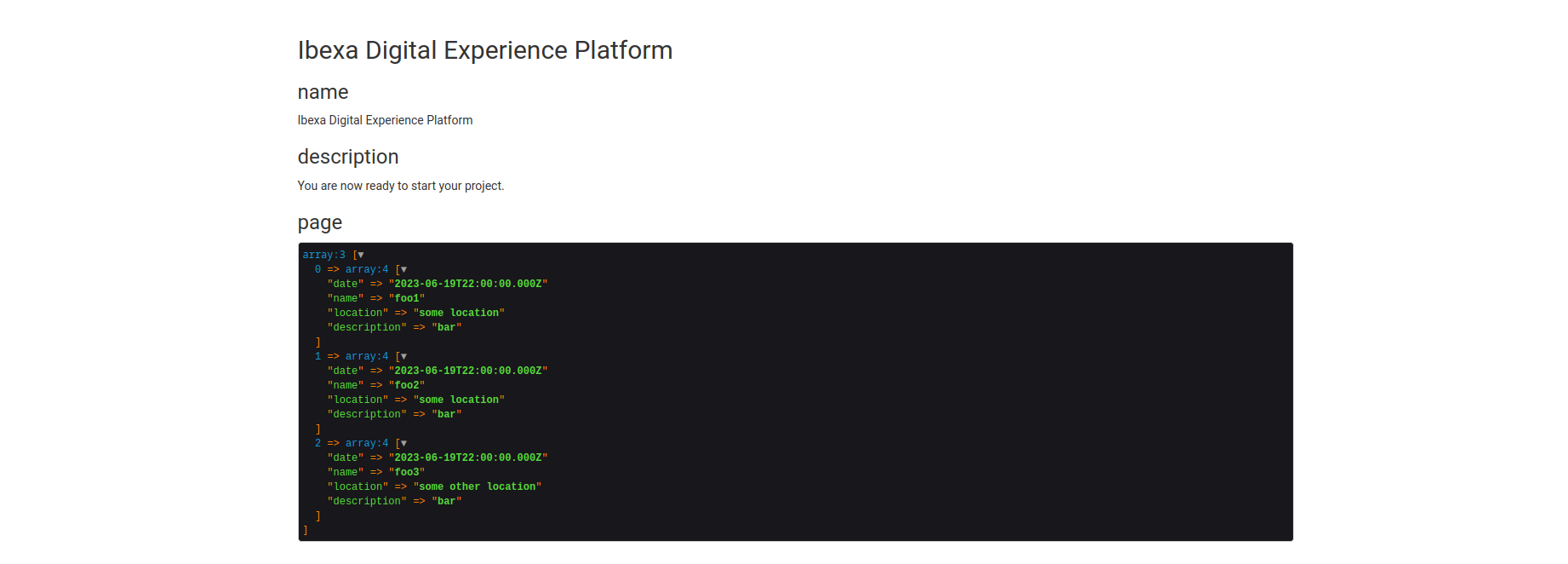
Ibexa Connect scenario block
Ibexa Connect scenario block retrieves and displays data from an Ibexa Connect webhook. Scenario block is a regular Page block and can be configured on field definition level as any other block.
Configure Ibexa Connect scenario block in Page Builder
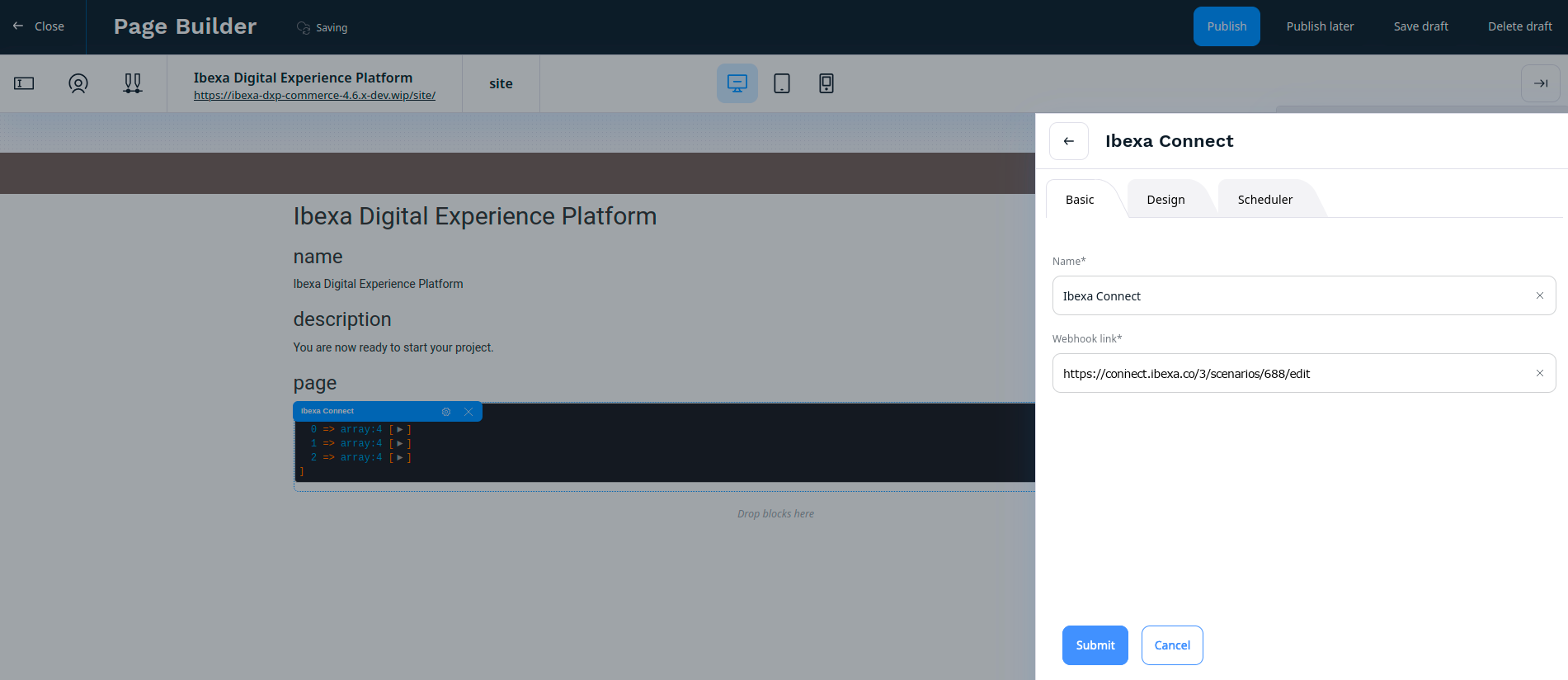
To use the Ibexa Connect scenario block, in your Page add the Ibexa Connect block by dragging it from the menu to a drop zone and enter block settings.
- In the Basic tab in Webhook link field, provide a link to an Ibexa Connect webhook, for example,
https://connect.ibexa.co/3/scenarios/688/edit:
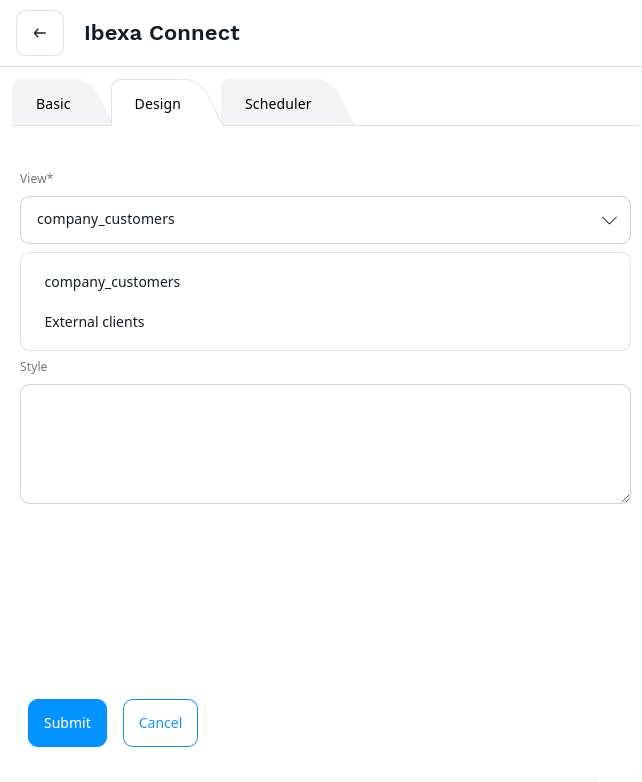
- In the Design tab, extend the drop-down list in the View field and choose one of the views configured for the block.
Click Submit button to confirm. After submitting the block, page refreshes and Ibexa Connect block displays data from provided Ibexa Connect webhook.